Who is QuickQ for?
If you stream overseas content, play on foreign servers, access work resources remotely, or simply want dependable protection on public Wi-Fi, QuickQ keeps those connections encrypted and steady.
SECURE · STEADY · ALWAYS ON
Every session travels through an encrypted tunnel — reliable protection for streaming, work and everyday browsing.
QUICK ANSWER
Quick answer: QuickQ is a VPN client built around security and stability. Your traffic is encrypted end to end, your real IP stays hidden, and zero activity logs are kept — no browsing history, traffic destinations or DNS queries. The client runs on Windows, macOS, iOS, Android and Linux, one membership keeps 3 devices online, and new users can start with a free trial.
If you stream overseas content, play on foreign servers, access work resources remotely, or simply want dependable protection on public Wi-Fi, QuickQ keeps those connections encrypted and steady.
Connections are encrypted in full and your real IP is hidden from the sites you visit. Browsing history, traffic destinations and DNS queries are never recorded. Full commitments are in the Privacy Policy.
New users start with a free trial. Memberships begin at ¥49/month; the annual plan is ¥198 with limited-time 50% off (about ¥16.5/month), covering 3 devices. See the full plan details.
GLOBAL NODES
Smart routing keeps stability first on every route.

Nodes cover popular destinations including Japan, South Korea, Singapore, the US, the UK, Germany and Australia. Smart routing continuously monitors line quality and avoids congested paths, so connections stay steady over long sessions.
WHY QUICKQ
Smart matching finds quality routes — HD video plays smoothly and large transfers finish reliably.
Low-latency routes for popular titles keep inputs and frames in sync.
No browsing activity is recorded; privacy protection is on by default.
Clients for Windows, Mac, iOS, Android and Linux with one consistent experience.
144 FPS · LOW LATENCY
High-performance networking is tuned for popular FPS and console titles. Smart routing keeps checking line quality and moves to steadier paths when congestion appears, so marathon sessions stay connected.
Explore features →

SMART MODES
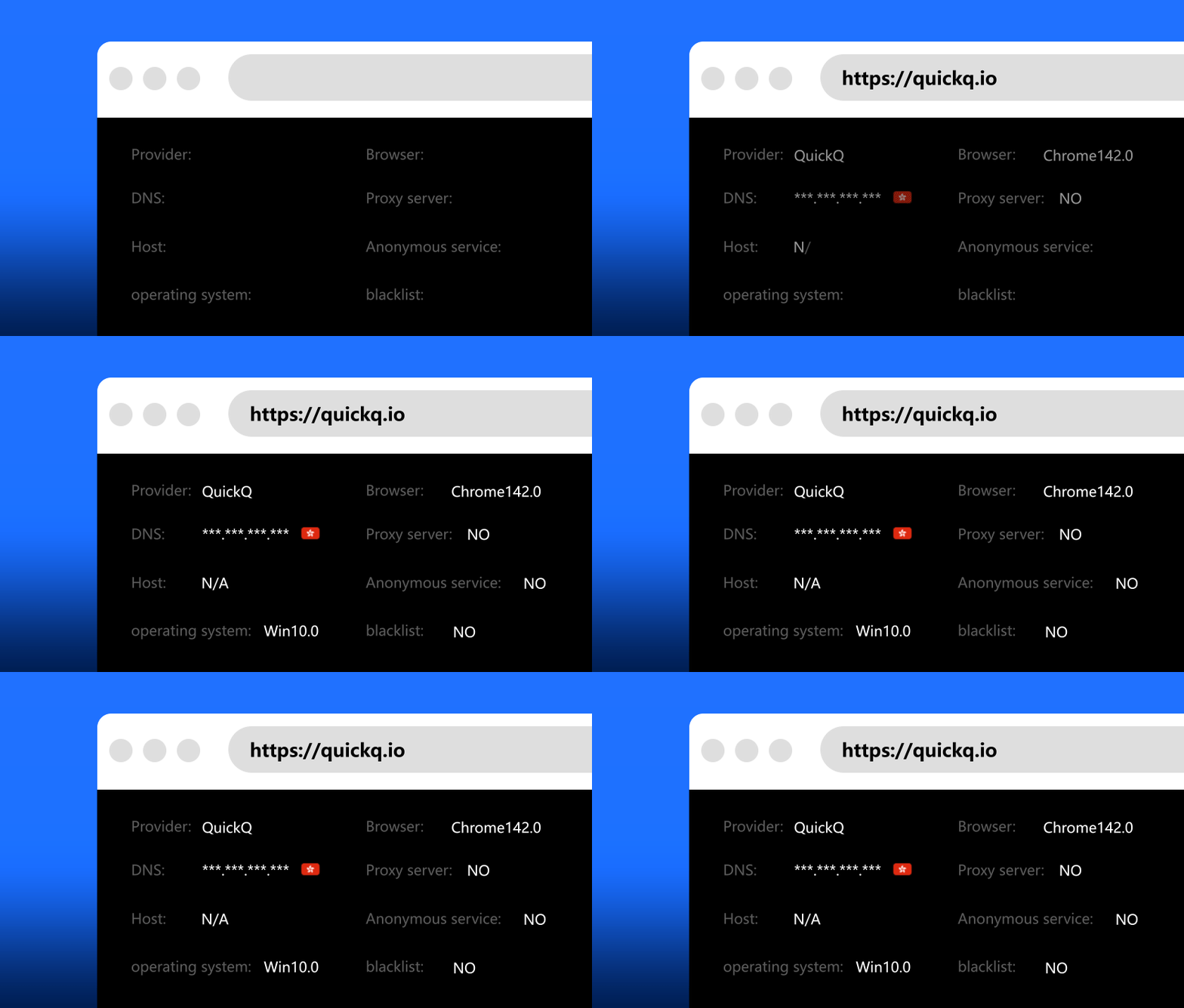
Split as needed: accelerated traffic takes the dedicated route while the rest stays direct — speed and stability in balance.

All traffic is encrypted and your real IP stays hidden — the right choice on public Wi-Fi.
FAQ
Installation, connectivity, billing and privacy — answered clearly.
The client covers Windows 10/11, macOS 11+, iOS 14+, Android 8+ and Ubuntu/Debian Linux distributions. One membership keeps 3 devices online at the same time.
New users can start with a free trial. Paid memberships are ¥49 monthly, ¥99 quarterly and ¥198 annually (limited-time 50% off, about ¥16.5/month). See the pricing page.
No. QuickQ enforces a zero-activity-log policy: browsing history, traffic destinations and DNS queries are never recorded, and privacy protection is on by default.
Check that your local network works, switch to another location or toggle between smart and privacy modes, then restart the app and your device. The tutorial and support team are there if you need them.
QuickQ maintains routes optimized for streaming and popular games, with smart routing choosing low-latency paths automatically. Results vary by region and network conditions.
Download the installer for your platform from the official download page, complete the installation, sign in with your membership account and press connect.
Put your connection in trusted hands
Page last updated: October 11, 2026